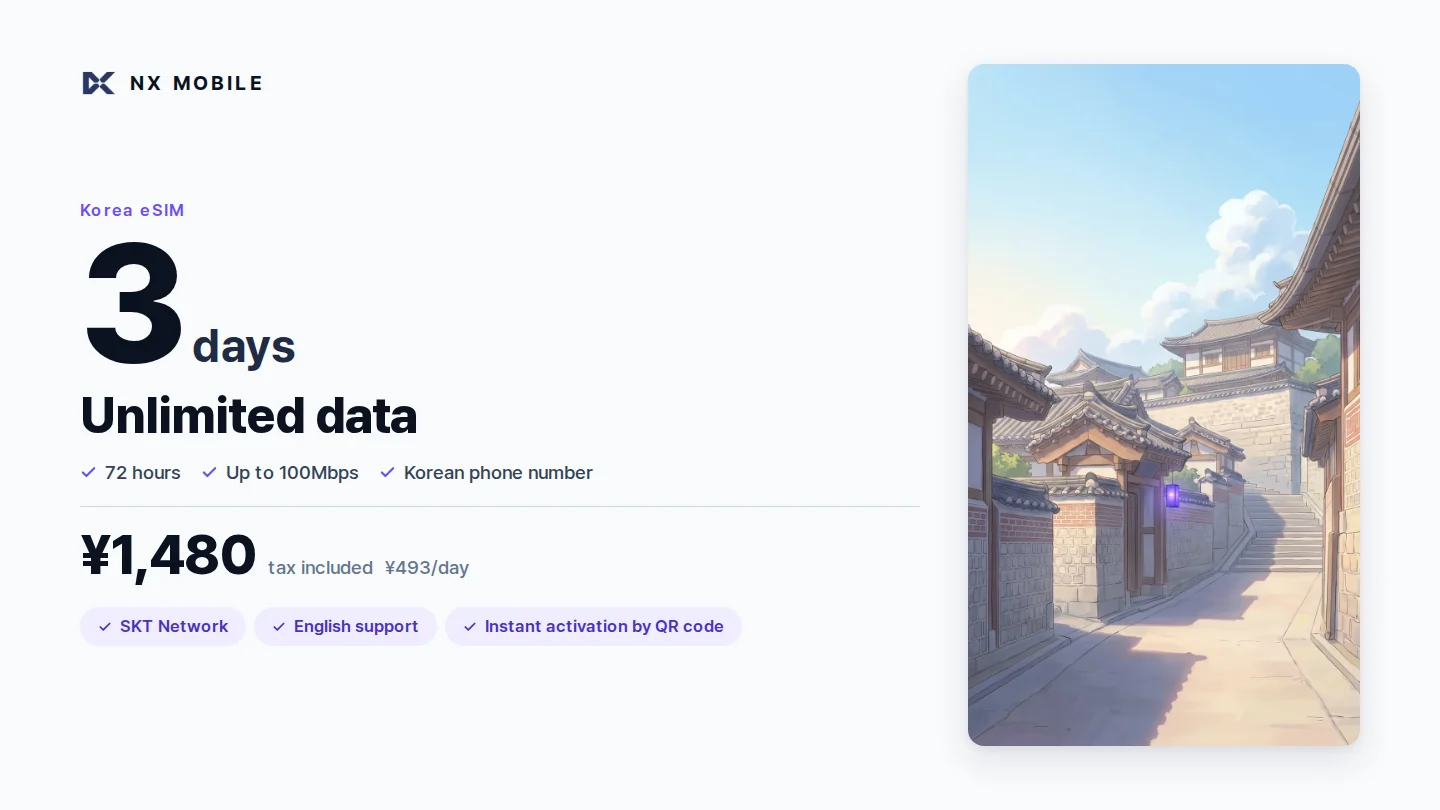
4G/LTE or 5G, 1 to 90 days — 29 plans. Unlimited data on every plan, no extra fees, ever.
All prices in Japanese Yen (JPY).
Korean phone number included · up to 100Mbps.
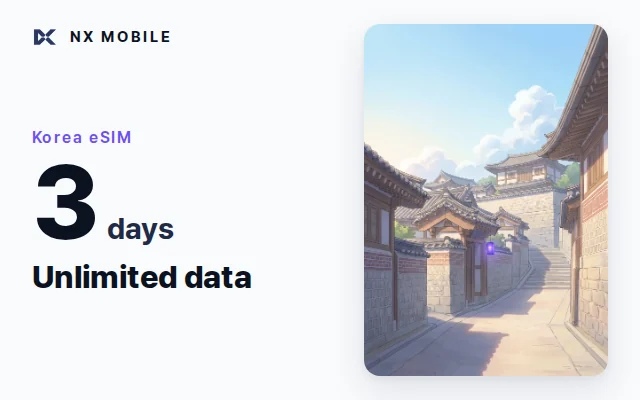
SKT 5G network · unlimited data.
Unlike international roaming, you connect directly to Korea's local network. Maps and video run at the same speed locals experience.
Just scan a QR code. Delivered right after purchase, with no complicated setup.
Even if it's your first time with an overseas eSIM, English guides and support have you covered.
| NX MOBILE | Roaming eSIM | Pocket Wi-Fi | |
|---|---|---|---|
| Price (3 days) | ¥1,480 | Approx. ¥2,000–3,000 | Approx. ¥3,000+ |
| Network | Direct connection to SKT | Via overseas server | Carry a device |
| Real-world speed | Same as locals | High latency | Depends on location |
| Delivery | Instant via QR code | Instant via QR code | Pick up & return at airport |
| App | Not required (all online) | Required (download needed) | Not required |
| Phone number | Included (free incoming) | Usually none | None |
| Data allowance | Unlimited | Often a daily cap | Unlimited plans are costly |
* Competitor pricing based on a survey of major services as of July 2026.
Easy checkout by credit card. You'll get an email right after purchase.
We recommend installing it before you depart, while connected to the internet (Wi-Fi etc.) — your plan period does not start yet at this point. An installed eSIM cannot be reinstalled, so do it where the connection is stable. Includes an English setup guide.
Your plan starts the moment you arrive in Korea and pick up a signal. After that, it connects automatically.
*#06# in your phone app — if an EID (a number starting with 89) appears, your device is compatible.Open it with the link and 4-digit PIN in the email you get after payment. The same link works throughout your trip.
On iPhone and Android alike, one button on the my-page adds the eSIM. No second device to scan a QR code with.
Opened on a PC? Scan the QR code. If that is awkward, copy the SM-DP+ address and activation code and enter them in Settings.
Check the Korean phone number issued to you, the ICCID, and the network details you need to connect (APN, data roaming) any time.
Step-by-step guides for iPhone, Galaxy and other Android phones, how to use voice and SMS, and the SKT roaming desk contacts — all in one place.
* The PIN makes sure only the buyer can open the page. It is in the email, so keep that email until your trip is over.
After passport verification, incoming calls and SMS to your Korean number are free — perfect for hotel or restaurant confirmations, or receiving SMS verification codes for apps.
If you just want data, you can start using it right away — no verification required.
You can also make local outgoing calls once you add credit.
* Voice calls and SMS are not available to holders of Korean nationality or special permanent residency (data service remains available).
Because it's SKT's official local network, you're covered across all of Korea — Seoul, Busan, Jeju, Daegu, Incheon and beyond. On the subway, at regional sights, or in a café — no international roaming layer, just the local network running at full speed.



With unlimited data, you never need to watch your remaining balance while traveling.
Any eSIM-compatible, carrier-unlocked device works. Dial "*#06#" in your phone app — if an EID (eSIM identifier number) appears, your device is compatible.
After payment, we usually send the eSIM QR code to your registered email within a few minutes. If it doesn't arrive, please check your spam folder and contact info@nxt-m.net or use the contact form — we'll resend it.
It starts the moment you arrive in Korea and pick up a local signal, and it runs in 24-hour blocks (e.g., 3 days = 72 hours). Installing the eSIM profile before you leave does not start the countdown.
If you only need data, there is nothing to register. Passport verification with SK Telecom (free, online) is needed only if you want to receive calls and SMS on the Korean number. Open skroaming.com from the verification QR on your eSIM voucher and enter your passport details (08:00–22:00 Korea time; outside those hours the airport roaming centre can do it). It is a one-time step. Outgoing calls work once you top up at skroaming.com (top-ups of KRW 5,500–55,000; domestic calls KRW 4.4/sec, calls to Japan KRW 990/min, SMS KRW 33).
Yes. You can share your connection with other devices such as a PC or tablet.
Cancel before installation or activation (activation code unused) and you receive a full refund — even if the QR code and setup details have already been emailed to you. The same applies if your device turns out not to support eSIM. After installation or activation, refunds are generally not available because this is a digital product — but if the QR code cannot be scanned, or the problem is on our side, we will re-issue the eSIM or refund you in full. See our Refund & Cancellation Policy for details.
Your credit card statement will show "EXIMBAY" or "NEXT MANAGEMENT." Please check this before assuming a charge is unfamiliar.
No, this plan is for Korea only.
Yes — with tethering (internet sharing), you can share your connection with travel companions' phones, PCs, or tablets.
In most cases, double-checking your device settings (eSIM line on, data roaming on, restart) resolves the issue. For help on the spot, SK Telecom's roaming customer centre runs the line (LINE or +82-2-6343-9000, 08:00–21:00 Korea time). For anything about the product or your order, use the contact form.
We're sorry, but eSIM profiles cannot be reinstalled once used. If the connection drops during installation the profile may become unusable, so always install while connected to the internet (Wi-Fi etc.), and do not delete the profile afterwards — a deleted profile cannot be used again, whatever time is left.
You won't run out — every plan on this site comes with unlimited data, so there is no allowance to use up. LTE plans run at up to 100Mbps, and 5G plans run on SKT's 5G network.
There is nothing to check — data is unlimited on every plan, so no remaining balance exists to watch. Your plan simply runs until the end of its period, counted in 24-hour blocks from the moment you first connect in Korea. Your my-page shows your Korean phone number, ICCID and network settings at any time.
Yes — we recommend it. Install before you depart, while connected to the internet (Wi-Fi etc.); installing does not start the plan period. The countdown begins only when your device first picks up a signal in Korea. An installed eSIM cannot be reinstalled, so choose a place with a stable connection.
An eSIM with unlimited data, connected directly to SKT's official network.
Choose a plan